

Are you looking for the best VPN for your Windows 11 operating system? Selecting the best VPN from the many options can be frustrating and time-consuming, especially when looking for a VPN that offers a risk-free trial. With so many options, it’s easy to feel overwhelmed and unsure which one to choose.
We examined 5 widely used VPNs worldwide and determined that PureVPN is the best VPN for Windows 11 due to its outstanding features, security, and performance. They also provide a 31-day risk-free trial or money-back guarantee.
However, other VPNs, highlighted further down on our list, are worth considering. These VPNs enable stress-free web browsing for everyone, from occasional internet users to frequent travellers.
Top 5 Best VPNs for Windows 11
I added all these best VPNs for Windows 11 according to the recommendation.
| VPN Providers | Risk-Free Trial | Servers | Trustpilot Star Rating | Price |
|---|---|---|---|---|
| PureVPN website | 31 days | 6500+ | 4.7 (15K) | $2.06/mo |
| VeePN website | 30 days | 2600+ | 4.3 (3800+) | $1.99/mo |
| NordVPN website | 30 days | 5783+ | 4.3 (26K) | $3.99/mo |
| PrivateInternetAccess | 30 days | 170+ Global Locations across 104 Countries | 4.2 (11K+) | $1.89/mo |
| CyberGhost website | 45 days | 9532+ | 4.3 (17K) | $2.19/mo |
Best VPN for Windows 11 with Risk-Free Trial
Here is a list of the best VPN apps for Windows with risk-free trials.
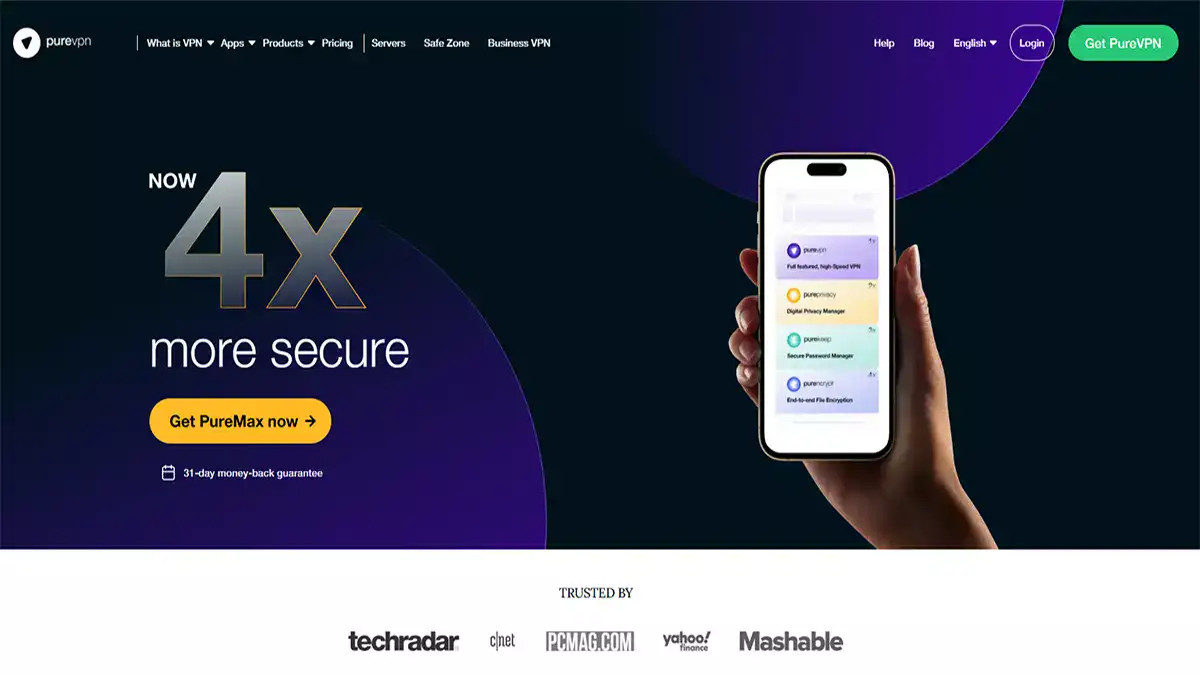
The first spot on our list goes to PureVPN. It is a user-friendly program with simple functions. It has more than 6500 servers spread over 71+ nations. One PureVPN account can be used on up to 10 different devices. You may browse the internet anonymously using PureVPN because your IP address is hidden. No matter where you are, you can access over 50 streaming services, including Netflix and Disney+.
If your internet connection breaks, use PureVPN’s kill switch to hide your IP address. Your IP address won’t be made public, and your DNS and WebRTC information will be secured. Additionally, PureVPN uses AES 256-bit technology to encrypt your data.
You’ll adore its quick speeds and protection against ISP throttling. PureVPN is compatible with practically every device. For example, there is a specific program for Windows, iOS, Android, Mac, television, gaming consoles, and routers, among other devices.
Key Features of PureVPN
- Self-managed a global network of 6500+ servers in 78+ countries.
- No Shared Servers from third-party providers
- PureVPN supports all security protocols
- No log policy
- 31-day money-back guarantee
- 24×7 customer support via Emails, Chat & Tickets
- Bypasses Censorship
- Connect up to 10 devices
- Unlock geo-restricted streaming services like Netflix, HBO Max, and Amazon Prime
- Download P2P files anonymously
- Access blocked websites in your country
- Avoid DDoS Attacks
- Limitless & Secure Crypto Trading
To save on premium subscriptions, use our PureVPN coupons from here.
VeePN is another VPN worth considering for Windows 11 users who want secure browsing, flexible connection settings, and access to servers across multiple countries. Its Windows application offers a simple interface, making it suitable for both beginners and experienced VPN users.
VeePN operates a network of more than 2,600 servers across 148 countries and 196+ locations. You can choose a preferred server location or connect to an optimal location based on your needs.
For Windows users, VeePN includes useful privacy features such as AES-256 encryption, DNS leak protection, a Kill Switch, and split tunneling. The Kill Switch blocks internet traffic if the VPN connection unexpectedly drops, helping prevent your real IP address from being exposed.
Another useful feature is its built-in ad and tracker blocking. You can also switch between WireGuard, OpenVPN, IKEv2, and Shadowsocks protocols, depending on your connection requirements.
VeePN offers different subscription plans with support for 5, 10, or up to 20 simultaneous device connections. This makes it useful for people who want to protect their Windows PC alongside their smartphones and other compatible devices.
If you want to try its premium features before making a long-term commitment, VeePN provides a 14-day money-back guarantee on monthly plans and a 30-day guarantee on eligible longer subscriptions.
Key Features of VeePN
- 2,600+ VPN servers across 148 countries and 196+ locations.
- AES-256 encryption for secure internet connections.
- WireGuard, OpenVPN, IKEv2, and Shadowsocks protocols.
- Automatic Kill Switch to help prevent accidental IP exposure.
- Split tunneling to control which Windows applications use the VPN.
- DNS leak protection and a strict no-logs policy.
- Built-in ad and tracker blocking.
- Supports 5, 10, or 20 simultaneous devices, depending on the plan.
- Windows 10 and Windows 11 compatibility.
- 14-day or 30-day money-back guarantee, depending on the subscription.
Pros
To save money on a VeePN subscription, check our latest VeePN coupon codes and deals before you buy.

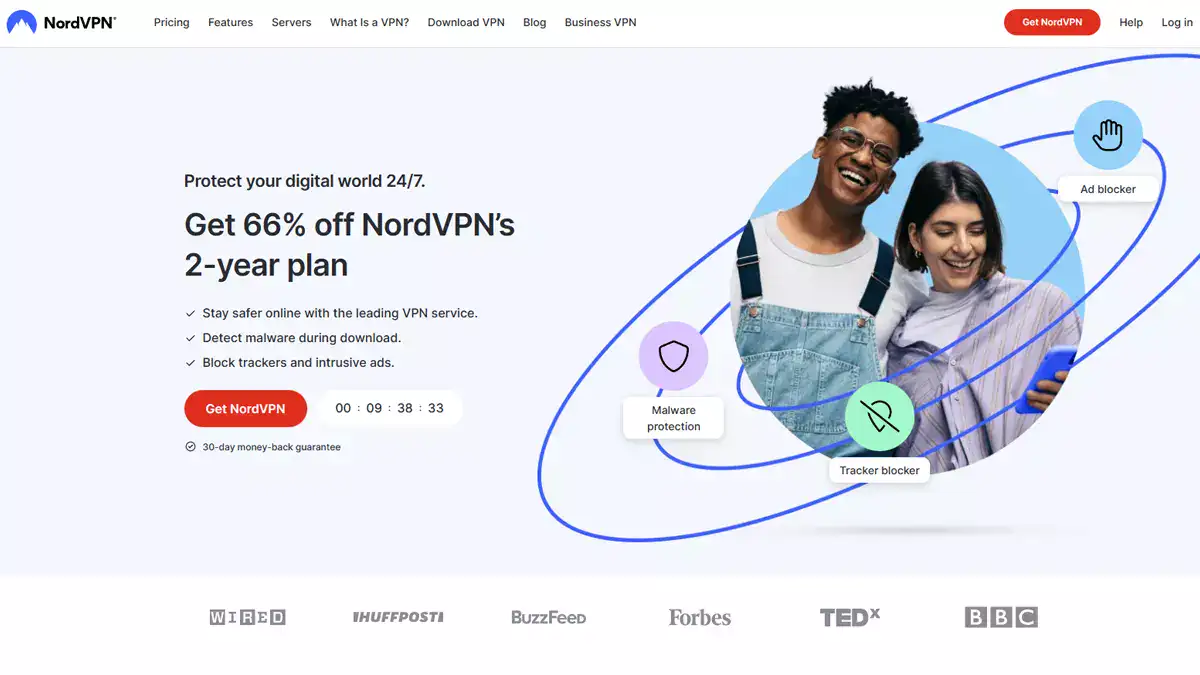
NordVPN is ranked third among VPN providers, offering an extensive network of 5,783+ servers in 60+ countries. They provide a 30-day risk-free trial and use military-grade encryption to ensure the security of sensitive data. With their global server presence, NordVPN allows anonymous web browsing, hiding the user’s location and ensuring safety.
Advanced features like Double VPN and CyberSec enhance protection against cyber threats, while Onion Over VPN combines NordVPN’s security with the anonymity of the Tor network. NordVPN supports almost all devices and operating systems, such as Windows, Mac, Linux, Android, iOS, and more.
In summary, NordVPN stands out with its vast server network and strong AES encryption with 256-bit keys, while additional features add to the overall browsing experience.
Key Features of NordVPN
- More than 5700+ VPN servers in 60+ countries
- Strict no-logs policy
- One account for up to 6 devices
- Multi-factor authentication
- Automatic Kill Switch
- Split Tunnelling support
- 30-day money-back guarantee
- Double protection – change your IP twice
- Onion Over VPN
- Block ads and malware
- Browser Extensions
- No data leaks
- Stream sports live from official channels
- Dedicated IP

Private Internet Access (PIA) is a well-established VPN provider that offers strong privacy controls and a feature-rich Windows application. It is a good option for Windows 11 users who want more control over their VPN connection and online privacy.
PIA operates a global network covering 180 server locations across 113 countries. Its Windows application supports both OpenVPN and WireGuard protocols, allowing users to choose between different connection configurations.
One of PIA’s biggest advantages is its audited no-logs policy. The provider states that it does not collect or store browsing activity logs. Its Windows application is also open source, allowing developers and security researchers to inspect its code.
PIA includes an automatic Kill Switch that blocks internet traffic if your VPN connection drops. Windows users can also enable its Advanced Kill Switch, which prevents internet access unless the VPN connection is active.
Another useful feature is split tunneling. It allows you to choose which applications use the VPN and which connect through your regular internet connection. For example, you can route your browser through a VPN server while keeping a local application connected directly to the internet.
PIA also offers MACE, a feature that blocks domains associated with advertisements, trackers, and malware. Its unlimited simultaneous device connections are another advantage for users who want to protect multiple computers, smartphones, and tablets under one subscription.
PIA supports Windows 10 and Windows 11, including compatible ARM64 devices. New subscribers can also take advantage of its 30-day money-back guarantee.
Key Features of Private Internet Access
- 180 VPN server locations across 113 countries.
- OpenVPN and WireGuard VPN protocols.
- AES-128 and AES-256 encryption options with OpenVPN.
- Audited no-logs policy.
- Open-source Windows VPN application.
- Automatic and Advanced Kill Switch.
- Split tunneling for individual application control.
- PIA MACE ad, tracker, and malware domain blocking.
- Unlimited simultaneous device connections.
- RAM-only VPN servers.
- Windows 10 and Windows 11 compatibility.
- 30-day money-back guarantee for eligible new subscribers.
If you plan to purchase PIA, check our latest Private Internet Access coupon codes and deals for available subscription discounts.

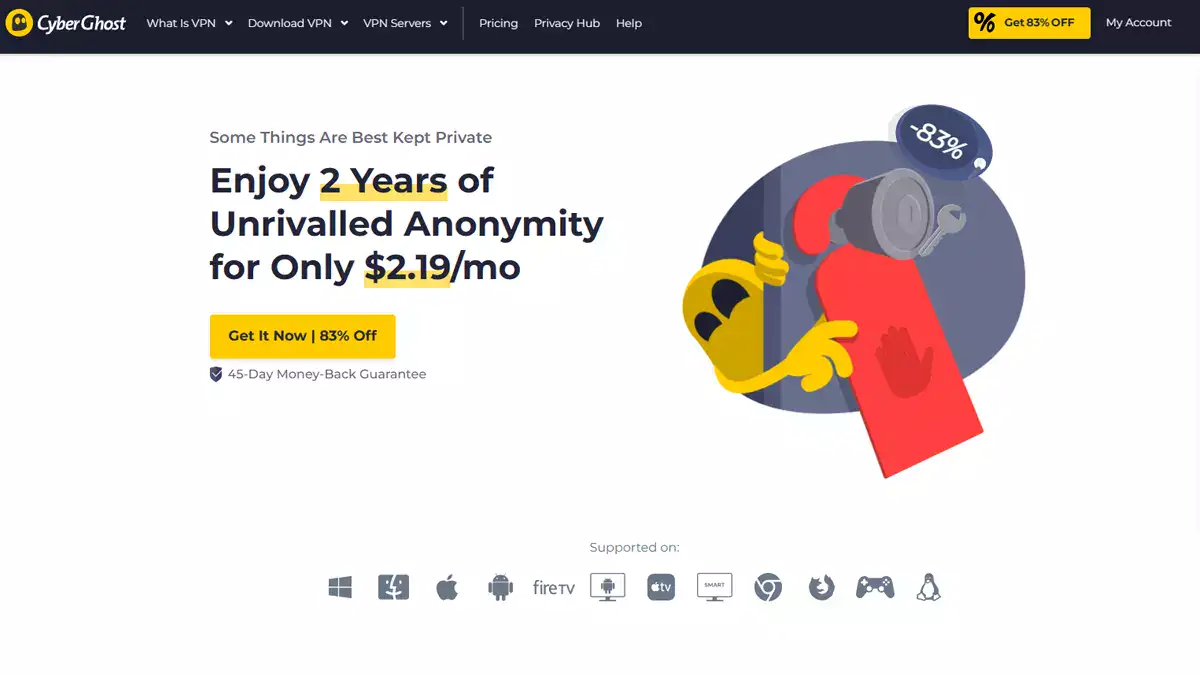
The list of the best VPNs for Windows 11 cannot be complete without CyberGhost VPN. Romania’s capital city of Bucharest is where CyberGhost was established in 2011. One of the world’s most trustworthy VPNs is this one. They currently have well over 38 million users around the world. You may test CyberGhost VPN out for 45 days without paying anything, thanks to its 45-day money-back promise.
CyberGhost ensures that your online activities are hidden from prying eyes with its cutting-edge features and robust security standards. CyberGhost provides a full range of tools to protect your privacy and improve your surfing experience, from encrypting your internet connection to getting around geo-restrictions.
With its vast global network of servers, CyberGhost VPN enables lightning-fast internet connections from various locales. No matter where you are, you may browse safely and anonymously because of the over 9,532 servers in 91 countries.
You can stream your favorite shows on websites like Netflix and Hulu in addition to its robust security features.
Key Features of CyberGhost
- Over 9532 VPN servers in 91 countries
- Dedicated IP
- AES 256-bit encryption
- DNS and IP leak protection
- Split Tunneling
- Automatic kill switch
- OpenVPN, IKEv2, WireGuard® protocols
- Strict No-Logs Policy
- Up to 7 devices protected simultaneously
- 24/7 live Customer Support service
How we tested these Windows 11 VPN
We thoroughly tested each of the VPNs on our list for functionality, usability, security features, speed, and compatibility with Windows 11 to give you honest and trustworthy recommendations. We test VPNs using real-world scenarios to ensure they work correctly in various conditions. We also considered user comments and reviews to assess the general effectiveness and customer satisfaction of each VPN.
Frequently Asked Questions
Is Using a VPN Safe?
A reputable VPN can improve your online privacy by encrypting internet traffic and hiding your IP address from websites and other network observers. However, a VPN does not make you completely anonymous or protect you from every online threat. I recommend choosing an established provider such as PureVPN, VeePN, NordVPN, Private Internet Access, or CyberGhost. Always review its privacy policy and security features before subscribing.
Bottom Line for Best VPN for Windows
I have done extensive research on the top 5 VPNs for Windows mentioned above, and based on that research, I recommend you go with PureVPN. It is a budget-friendly and highly secure VPN. It can unblock most streaming services without data or bandwidth limitations. If, after using PureVPN, you feel that this VPN is unsuitable, you can ask for a refund within 30 days.
If PureVPN is not your best VPN, then let me know which one is your favorite in the comments section below.


